
Configure Autotask #
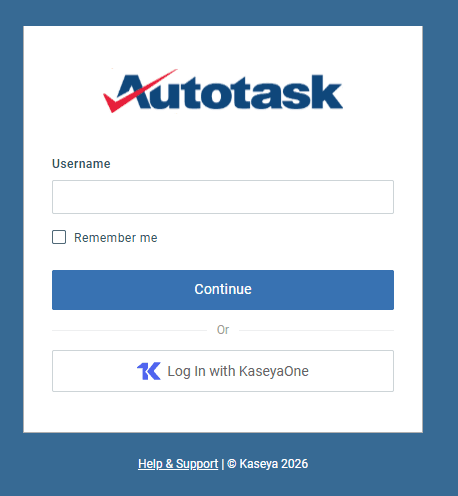
Log into Autotask
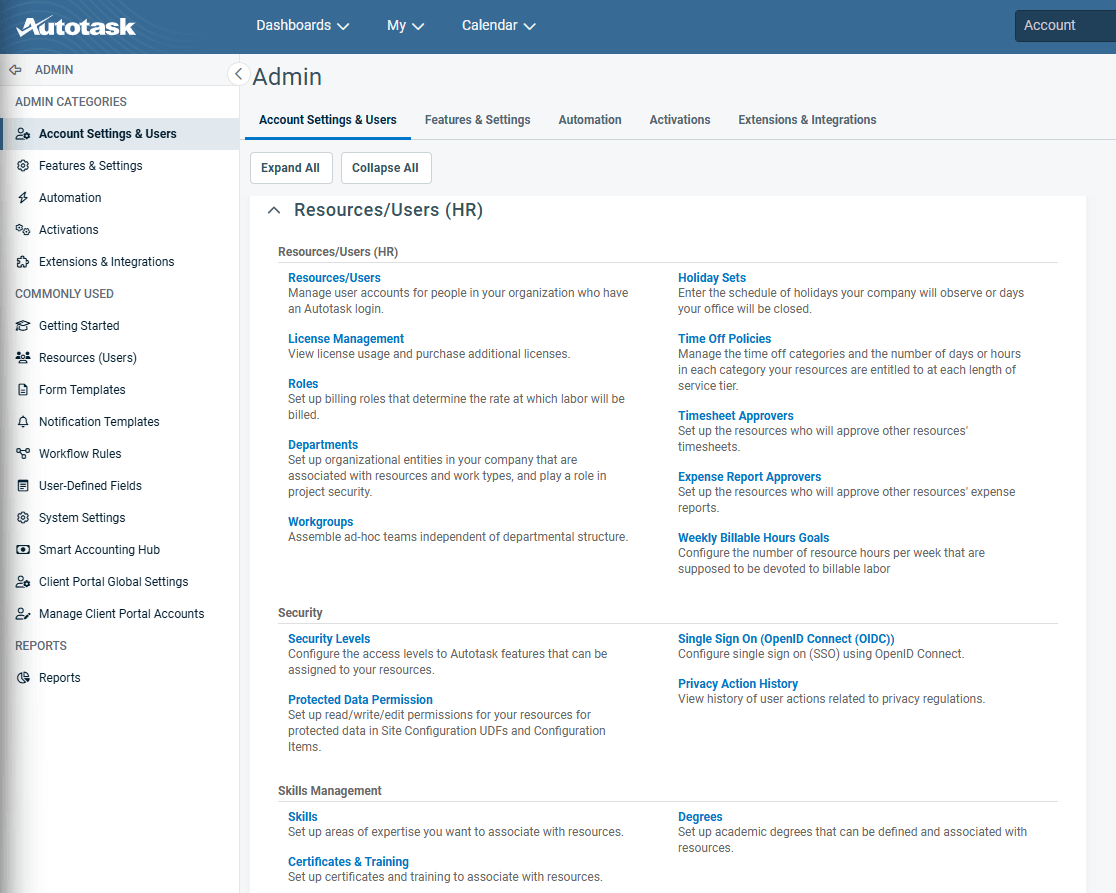
Go to Admin -> Account Settings & Users and Expand Resources/Users (HR)
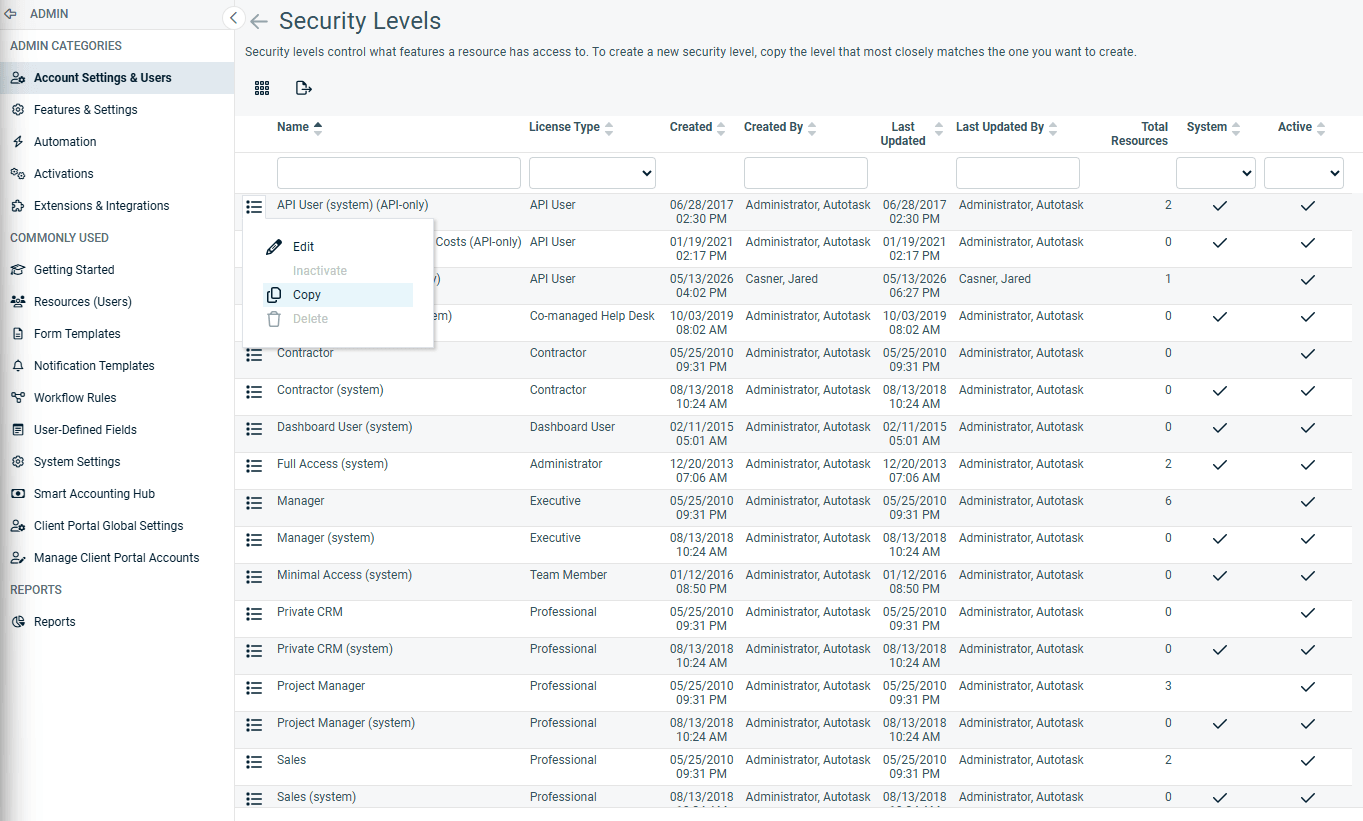
Click on Security Levels and Copy an an existing API-only user
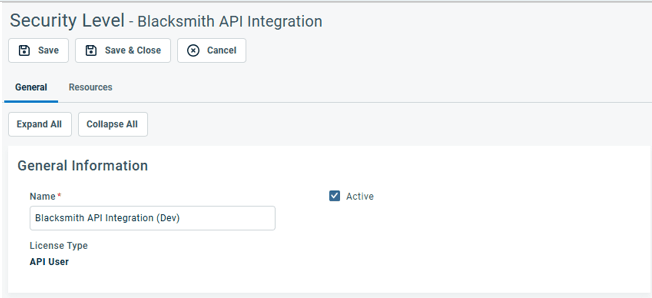
Rename to Blacksmith API Integration
Remove all permissions by clicking No Permission For Each Section
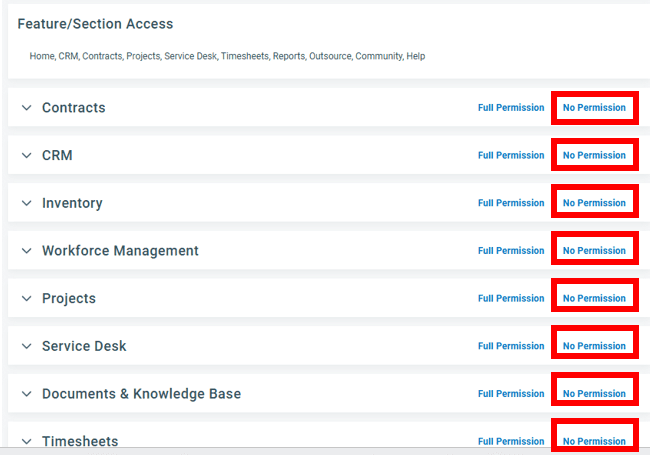
Expand CRM and Select

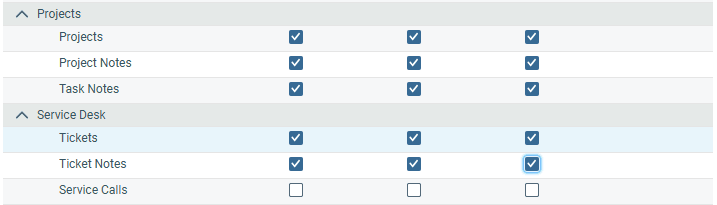
Expand Service Desk and Select

Expand Protects and Select

Expand Web Services API and Select

Click Save & Close
Add the User by Going to Admin -> Account Settings & Users and Expand Resources/Users (HR) -> Resources/Users
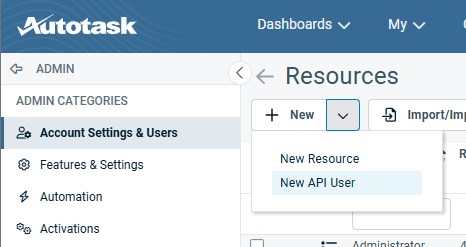
Click the Dropdown next to New -> New API User
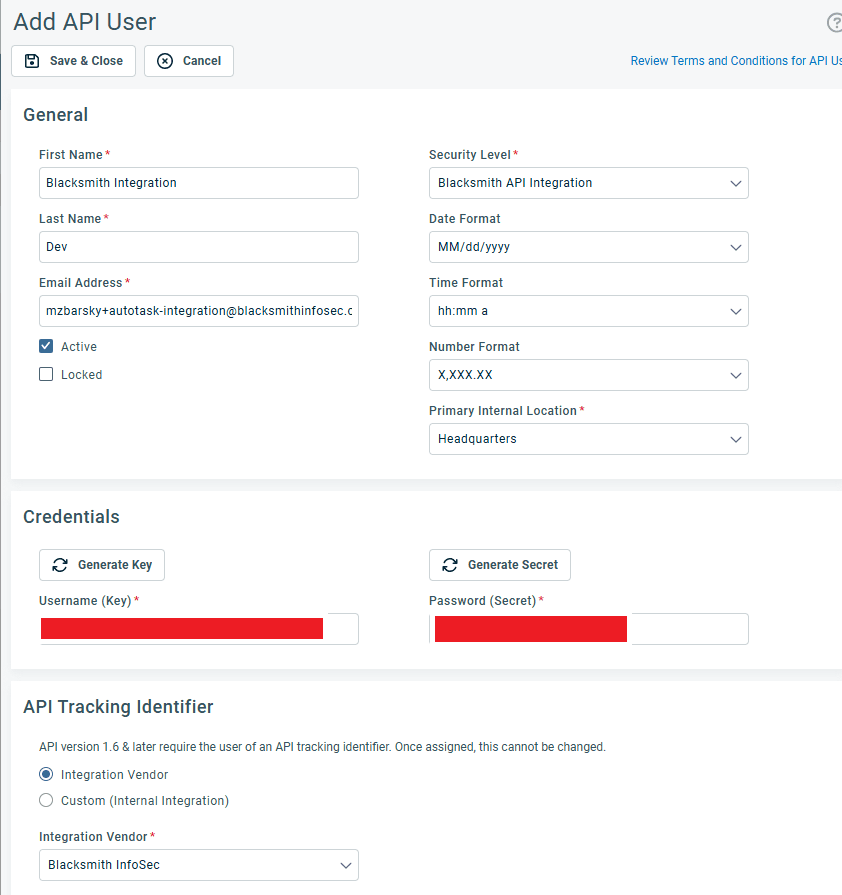
Fill out the API User Information
- First Name
- Last Name
- Security Level (Created above)
- Primary Internal Location
- Generate Key (username) and Secret (Password)
- Integration Vendor (Blacksmith InfoSec)
Click ‘Save & Close’
In Blacksmith #
Go to Settings -> Integrations -> Autotask or Click https://web.blacksmithinfosec.com/dashboard/company/integrations

Click Edit Connection
Enter your API Username and API Secret generated above